

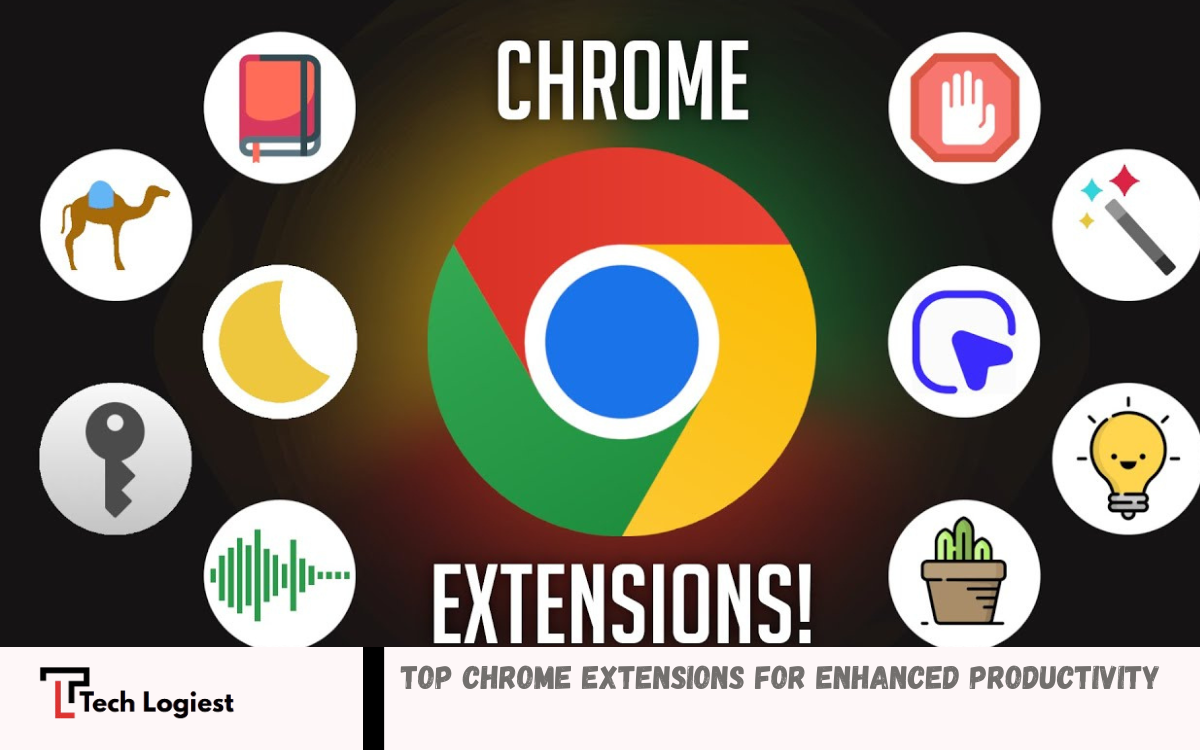
Productivity and efficiency are more important than ever, and web browsers play a central role in how we work, study, and stay organized. Among them, Google Chrome stands out not just for its speed and simplicity, but for its powerful ecosystem of extensions.
The best Chrome extensions are designed to save time, increase focus, and simplify daily activities. Whether you are a student preparing for exams, a professional managing multiple projects, or a content creator looking to streamline your workflow, there is an extension tailored to your needs. Popular categories include ad blockers, password managers, note-taking tools, grammar checkers, and SEO assistants.
Why Chrome Extensions Matter?
Efficient workflow requires automation and smart tools. Manual processes waste time, reduce accuracy, and create unnecessary complexity. Chrome extensions solve these problems by adding lightweight features directly inside the browser.
Key benefits include:
- Faster task completion
- Improved focus and reduced distractions
- Better writing and communication quality
- Enhanced online security
- Simplified data management
- Strong SEO and research capabilities
Right combination of extensions creates a personalized digital workspace tailored to specific needs.
Top Chrome Extensions for Productivity
Productivity extensions help manage time, tasks, and attention. These tools remove distractions and improve workflow consistency.
Task Management Tools
Task management extensions allow users to organize daily activities without switching platforms. Features include task lists, reminders, deadlines, and progress tracking.
Benefits:
- Clear daily planning
- Reduced mental load
- Improved task completion rate
Focus and Distraction Blockers
Distractions reduce efficiency and delay work completion. Focus extensions block social media, limit website usage, and encourage deep work sessions.
Benefits:
- Better concentration
- Increased productivity hours
- Strong work discipline
Time Tracking Tools
Time tracking extensions provide insights into daily activity patterns. Users can identify time wastage and optimize schedules.
Benefits:
- Accurate time analysis
- Improved planning
- Higher efficiency
Top Chrome Extensions for Writing and Communication
Clear communication builds credibility and professionalism. Writing extensions improve grammar, tone, and clarity.
Grammar and Spell Checkers
Grammar tools detect errors in real time and suggest corrections. These extensions improve sentence structure and readability.
Benefits:
- Error-free content
- Professional tone
- Better readability
AI Writing Assistants
AI-powered tools help generate content ideas, rewrite sentences, and improve structure. These tools support bloggers, marketers, and students.
Benefits:
- Faster content creation
- Improved quality
- Creative idea generation
Email Writing Tools
Email extensions enhance communication by suggesting better subject lines, tone adjustments, and response templates.
Benefits:
- Professional communication
- Faster replies
- Improved clarity
Top Chrome Extensions for SEO and Marketing
SEO tools help website owners and marketers optimize content, analyze competitors, and improve search rankings. Based on your interest in website growth and content strategy, these tools are essential.
Keyword Research Extensions
Keyword tools provide search volume, competition level, and keyword suggestions directly in the browser.
Benefits:
- Better content targeting
- Higher ranking chances
- Improved traffic generation
On-Page SEO Analysis Tools
SEO analysis extensions evaluate website structure, headings, meta tags, and keyword usage.
Benefits:
- Optimized content
- Improved search engine visibility
- Better user experience
Backlink and Competitor Analysis
Backlink tools reveal competitor strategies and link-building opportunities.
Benefits:
- Strong SEO strategy
- Competitive advantage
- Improved domain authority
Top Chrome Extensions for Security and Privacy
Online safety remains critical in modern digital environments. Security extensions protect personal data, passwords, and browsing activity.
Password Managers
Password manager extensions store login credentials securely and generate strong passwords.
Benefits:
- Secure accounts
- Easy login access
- Reduced risk of hacking
Read Also: The Most Important Tech Trends in 2026
Ad Blockers
Ad blockers remove intrusive advertisements and improve page loading speed.
Benefits:
- Faster browsing
- Cleaner interface
- Reduced tracking
VPN Extensions
VPN extensions protect browsing data and hide IP addresses. These tools improve privacy and allow access to restricted content.
Benefits:
- Secure browsing
- Data protection
- Anonymous internet usage
Top Chrome Extensions for Students
Students require tools that support learning, research, and exam preparation. Based on your interest in exam preparation topics, these extensions can significantly improve study efficiency.
Note-Taking Extensions
Note-taking tools allow users to save important information directly from web pages.
Benefits:
- Organized study material
- Easy revision
- Better memory retention
Research Tools
Research extensions highlight key points, summarize articles, and simplify complex information.
Benefits:
- Faster learning
- Improved understanding
- Efficient research process
Citation Generators
Citation tools help create references automatically for academic work.
Benefits:
- Accurate citations
- Time-saving
- Professional assignments
Top Chrome Extensions for Content Creators
Content creators require tools that improve design, editing, and publishing processes.
Screenshot and Screen Recording Tools
These extensions allow users to capture images and record videos directly from the browser.
Benefits:
- Easy tutorials creation
- Visual content generation
- Quick sharing
Image Editing Tools
Image editing extensions provide quick editing features without external software.
Benefits:
- Faster editing
- Improved visuals
- Better content quality
Social Media Management Tools
Social media extensions help schedule posts, track engagement, and manage accounts.
Benefits:
- Consistent posting
- Better engagement
- Time efficiency
Top Chrome Extensions for Online Shopping
Shopping extensions help users find better deals, track prices, and save money.
Price Comparison Tools
These tools compare product prices across different websites.
Benefits:
- Best deals
- Cost savings
- Smart purchasing decisions
Coupon Finder Extensions
Coupon extensions automatically apply discount codes during checkout.
Benefits:
- Instant savings
- Easy discounts
- Better shopping experience
How to Choose the Right Chrome Extensions
Selecting the right extensions requires careful evaluation. Too many extensions can slow down browser performance.
Consider the following factors:
- Purpose and use case
- User reviews and ratings
- Developer credibility
- Permissions and data access
- Performance impact
Install only essential extensions to maintain speed and efficiency.
Best Practices for Using Chrome Extensions
Effective usage ensures maximum benefit without performance issues.
1. Limit Number of Extensions
Install only necessary tools to avoid browser slowdown.
2. Regular Updates
Keep extensions updated for better performance and security.
3. Review Permissions
Check data access permissions before installation.
4. Remove Unused Extensions
Delete unused tools to maintain system efficiency.
Future of Chrome Extensions
Technology continues to evolve rapidly. Chrome extensions are becoming more intelligent with AI integration, automation features, and advanced security systems.
Future trends include:
- AI-powered automation tools
- Advanced personalization
- Improved privacy protection
- Seamless integration with cloud services
These developments will further enhance productivity and user experience.
Frequently Asked Questions
Which are the best Chrome extensions for productivity?
Top productivity extensions include task managers, time trackers, and focus tools. These tools help users manage time effectively, reduce distractions, and improve workflow efficiency.
What are the best Chrome extensions for SEO?
SEO extensions provide keyword research, backlink analysis, and on-page optimization features. These tools help improve website ranking and content performance in search engines.
Can Chrome extensions improve writing quality?
Yes, writing extensions offer grammar correction, tone improvement, and readability suggestions. These tools help create professional and error-free content.
Are Chrome extensions free?
Many Chrome extensions are free, but some offer premium features through paid plans. Free versions usually provide basic functionality, while advanced features require subscriptions.
How to install Chrome extensions?
Users can install extensions from the Chrome Web Store by clicking the “Add to Chrome” button. Installation takes only a few seconds and activates automatically.
How to remove unwanted Chrome extensions?
Users can remove extensions by visiting Chrome settings, opening the extensions section, and clicking “Remove” on the unwanted extension. This helps improve performance and security.
How many Chrome extensions should be installed?
Users should install only necessary extensions based on their needs. Keeping a limited number of extensions ensures better speed, security, and overall browser performance.
Conclusion
Top Chrome extensions play a crucial role in modern digital workflow. These tools improve productivity, enhance security, and simplify everyday tasks. From writing assistance to SEO optimization and study support, extensions provide powerful solutions for different user needs.
Careful selection ensures maximum benefit without performance issues. Focus on essential tools that align with specific goals. Smart usage transforms Chrome into a highly efficient digital workspace.
