

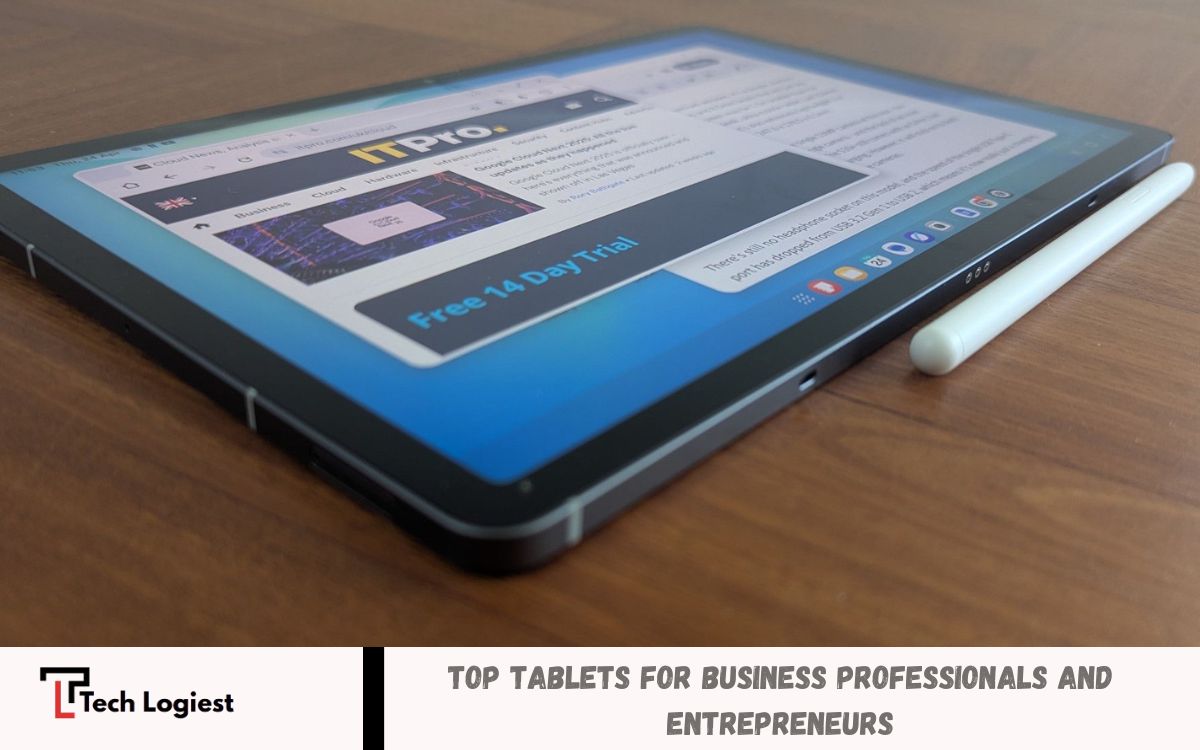
Tablets have become essential tools for professionals who need flexibility, mobility, and productivity. Modern business tablets combine the portability of a smartphone with the functionality of a laptop, making them ideal for remote work, meetings, presentations, note-taking, and multitasking.
Whether you’re a sales representative or a freelancer, choosing the right business tablet can significantly impact your workflow. Leading manufacturers continue to develop devices that offer high-performance hardware, seamless connectivity, and compatibility with keyboards, styluses, and cloud-based services.
Why Businesses Choose Tablets?
Business environments demand flexibility. Employees frequently work across offices, homes, client locations, airports, hotels, and conference venues. Tablets support mobility without sacrificing productivity.
Key advantages include:
- Lightweight design
- Fast startup times
- Excellent battery life
- Touchscreen convenience
- Cloud application support
- Digital note-taking capabilities
- Professional presentation functionality
- Seamless communication tools
- Enhanced portability
- Reduced workspace requirements
Organizations increasingly adopt tablets for customer service, field operations, inventory management, healthcare documentation, retail transactions, and executive productivity.
Essential Features in Business Tablets
Performance
Business applications require powerful processors capable of handling multitasking, spreadsheets, video meetings, project management platforms, and cloud services. High-performance chipsets improve workflow efficiency and responsiveness.
Battery Life
Long battery life supports travel schedules, conferences, client meetings, and remote work environments. Premium business tablets often provide full-day operation without frequent charging.
Security
Data protection remains critical for business users. Modern tablets include:
- Fingerprint authentication
- Facial recognition
- Device encryption
- Secure boot technology
- Enterprise management tools
- Remote device management
Display Quality
Professionals spend hours reviewing reports, presentations, emails, and graphics. High-resolution displays improve readability and reduce eye strain.
Keyboard Compatibility
Keyboard accessories transform tablets into laptop alternatives. Business professionals frequently rely on keyboards for document creation and communication.
Stylus Support
Digital pens enable note-taking, document annotation, design work, signature collection, and brainstorming sessions.
Apple iPad Pro
Best Premium Business Tablet
Apple’s iPad Pro continues dominating premium business productivity. Powerful hardware, exceptional display technology, and professional software support create a highly capable business solution.
Key Features
- Advanced processor architecture
- Premium Liquid Retina display
- Apple Pencil support
- Professional multitasking tools
- Strong security ecosystem
- Excellent battery performance
- High-quality cameras
Business Benefits
Executives, consultants, designers, marketers, and remote professionals benefit from seamless performance. Document editing, presentation delivery, video conferencing, and creative workflows operate smoothly.
Ideal Users
- Business executives
- Entrepreneurs
- Creative professionals
- Consultants
- Corporate managers
Apple iPad Air
Best Value Apple Business Tablet
The iPad Air balances performance and affordability. Many business users receive premium productivity capabilities without premium pricing.
Advantages
- Lightweight design
- Excellent performance
- Strong application ecosystem
- Reliable battery life
- Apple Pencil compatibility
- Business software support
Business Applications
- Email management
- Project coordination
- Client presentations
- Remote collaboration
- Document creation
Organizations seeking cost-effective Apple devices often prefer the iPad Air.
Read Also: Comprehensive Smartwatch Comparison for 2026
Microsoft Surface Pro
Best Windows Tablet for Business
Microsoft Surface Pro bridges tablet flexibility and laptop productivity. Windows compatibility provides access to traditional desktop software.
Key Strengths
- Full Windows operating system
- Laptop replacement functionality
- Keyboard integration
- Enterprise security tools
- Excellent multitasking capabilities
- Business software compatibility
Business Benefits
Professionals requiring Microsoft Office, accounting software, analytics tools, and enterprise applications gain significant advantages.
Ideal Users
- Corporate professionals
- Financial analysts
- Project managers
- IT specialists
- Enterprise teams
Surface Pro remains one of the strongest choices for organizations dependent on the Windows ecosystem.
Samsung Galaxy Tab S Series
Best Android Business Tablet
Samsung delivers premium Android productivity through the Galaxy Tab S lineup. Strong hardware, professional software features, and advanced multitasking capabilities support modern business needs.
Key Features
- Large AMOLED displays
- S Pen inclusion
- Samsung DeX desktop mode
- Powerful processors
- Strong battery life
- Business security tools
Productivity Advantages
Samsung DeX creates desktop-like experiences supporting multiple windows, enhanced multitasking, and productivity-focused workflows.
Recommended For
- Android users
- Business travelers
- Sales professionals
- Field teams
- Entrepreneurs
Lenovo Tab Extreme
Best Large-Screen Productivity Tablet
Lenovo targets professionals seeking extensive screen space and premium productivity capabilities.
Benefits
- Large display
- Keyboard support
- Stylus compatibility
- Business-focused features
- Strong multitasking performance
Business Use Cases
- Content review
- Strategic planning
- Data analysis
- Presentation management
- Team collaboration
Large displays improve productivity during multitasking sessions and document-intensive workflows.
Google Pixel Tablet
Best Cloud-Centric Business Tablet
Google’s Pixel Tablet appeals to organizations utilizing Google Workspace services.
Advantages
- Deep Google integration
- Cloud-first productivity
- Clean Android experience
- Reliable performance
- Strong collaboration tools
Suitable For
- Google Workspace users
- Small businesses
- Remote teams
- Startups
Businesses relying upon Gmail, Google Drive, Google Docs, Google Meet, and Google Sheets gain significant convenience.
Best Tablets for Different Business Needs
Best Tablet for Executives
Apple iPad Pro
Executive workflows require performance, portability, premium build quality, and presentation capabilities. The iPad Pro excels across these categories.
Best Tablet for Small Business Owners
Samsung Galaxy Tab S Series
Business owners benefit from flexibility, multitasking, communication tools, and affordability.
Best Tablet for Corporate Employees
Microsoft Surface Pro
Corporate environments frequently depend upon Windows applications, making Surface Pro a practical choice.
Best Tablet for Remote Work
Apple iPad Air
Remote workers require reliability, video conferencing quality, and productivity tools. The iPad Air delivers excellent balance.
Best Tablet for Creative Professionals
Apple iPad Pro
Creative applications, stylus support, and powerful hardware support demanding creative workflows.
Best Tablet for Startups
Google Pixel Tablet
Cloud-based collaboration, affordability, and simplicity benefit startup environments.
Tablet Security Considerations
Business devices frequently contain confidential information. Security remains a major purchasing factor.
Important security features include:
- Multi-factor authentication
- Device encryption
- Secure cloud synchronization
- Remote lock capabilities
- Enterprise management platforms
- Regular software updates
Organizations should prioritize vendors with strong security reputations and consistent update policies.
Productivity Accessories
Accessories significantly improve business tablet functionality.
Keyboard Cases
Keyboard accessories transform tablets into practical productivity machines suitable for lengthy document creation.
Stylus Pens
Digital pens support:
- Meeting notes
- Diagram creation
- Document annotations
- Signature collection
- Brainstorming sessions
Docking Stations
Docking solutions connect monitors, keyboards, storage devices, and networking equipment.
Protective Cases
Business travel increases exposure to drops and accidental damage. Durable protective cases extend device lifespan.
Future of Business Tablets
Business tablets continue advancing rapidly. Future developments include:
- Faster processors
- Improved artificial intelligence features
- Enhanced battery technology
- Better multitasking environments
- Stronger security frameworks
- Advanced collaboration tools
- Expanded cloud integration
Organizations increasingly view tablets as primary productivity devices rather than secondary accessories.
How to Choose the Right Business Tablet
Before purchasing, evaluate:
Budget
Determine available investment levels.
Software Requirements
Identify critical applications and operating system preferences.
Mobility Needs
Frequent travelers benefit from lightweight devices with extended battery life.
Security Requirements
Organizations handling sensitive information should prioritize enterprise-grade security features.
Accessory Ecosystem
Consider keyboard, stylus, docking, and case availability.
Long-Term Support
Choose manufacturers providing reliable software updates and business support.
Frequently Asked Questions
Are Android tablets good for business?
Yes, premium Android tablets like the Samsung Galaxy Tab S Series provide strong performance, multitasking tools, security features, and support for business applications.
What features should a business tablet have?
A business tablet should include a powerful processor, long battery life, a high-resolution display, security features, keyboard support, stylus compatibility, and reliable connectivity options.
Is the Microsoft Surface Pro good for business professionals?
Yes, the Microsoft Surface Pro is ideal for business professionals because it runs Windows, supports desktop applications, and offers excellent multitasking capabilities.
Why do businesses use tablets?
Businesses use tablets for mobility, productivity, customer engagement, remote work, presentations, digital note-taking, and efficient cross-team communication.
How important is battery life in a business tablet?
Battery life is extremely important because professionals often work while traveling, at meetings and conferences, and in remote locations where charging opportunities may be limited.
Are tablets secure enough for business data?
Modern business tablets offer advanced security features such as biometric authentication, encryption, secure cloud access, and remote device management to protect sensitive information.
What is the best budget-friendly tablet for business?
The Apple iPad Air and Google Pixel Tablet provide excellent value for business users by offering strong performance, productivity tools, and reliable software support at competitive prices.
Conclusion
Top tablets for business combine mobility, performance, security, and productivity within portable form factors. Apple iPad Pro remains the premium productivity leader, Microsoft Surface Pro dominates Windows-based business environments, and Samsung Galaxy Tab S devices provide exceptional Android productivity. Additional options such as iPad Air, Lenovo Tab Extreme, and Google Pixel Tablet address specific business requirements and budgets.
