

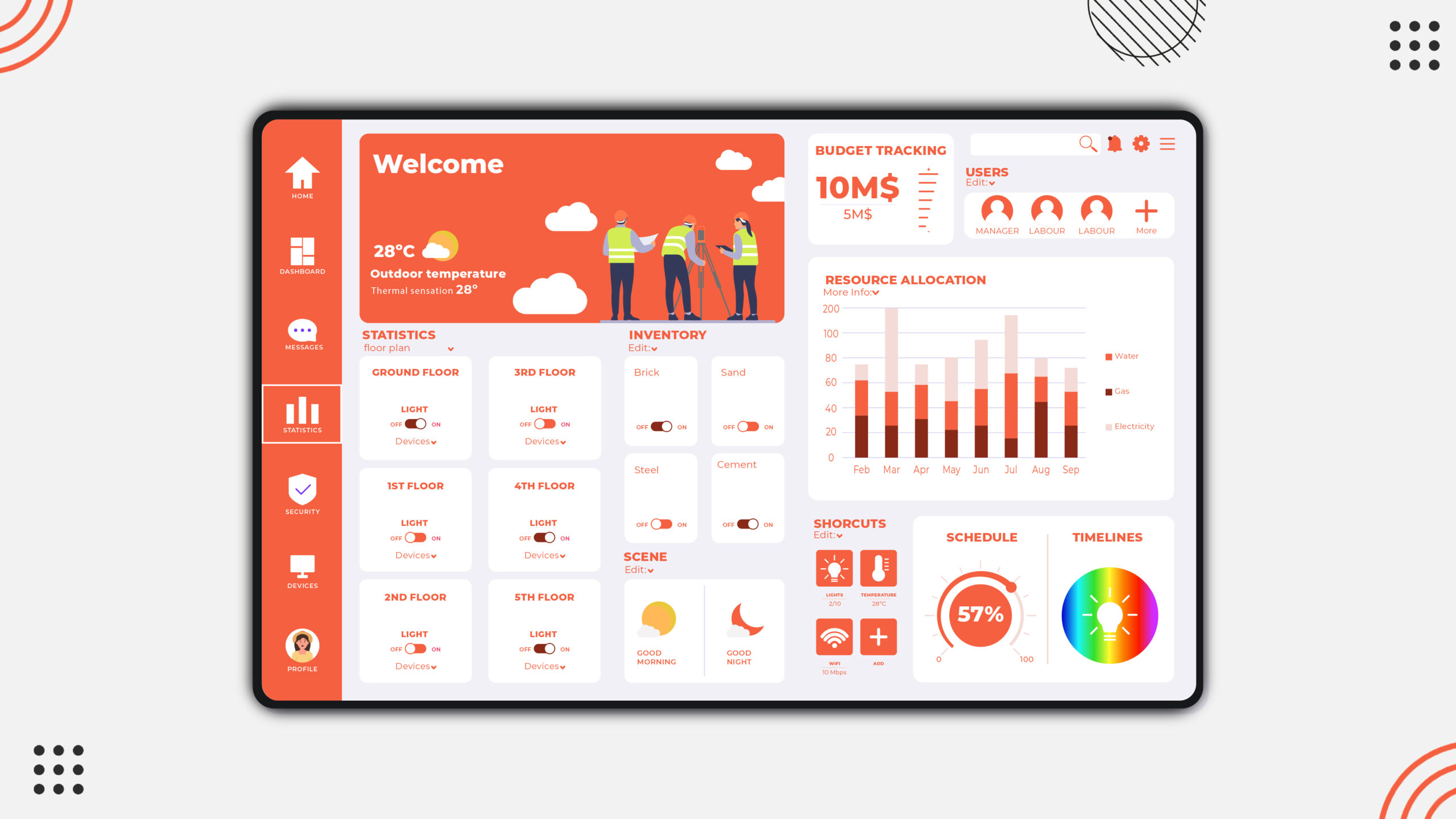
In the construction industry, managing compliance isn’t just a best practice — it’s a necessity. Safety standards, labor regulations, environmental laws, and contractual obligations create a complex web of requirements that every project must follow. Traditionally, compliance tracking involved piles of paperwork, scattered spreadsheets, and manual audits. But with modern technology, centralized dashboard solutions are transforming how construction companies stay compliant.
A centralized compliance dashboard brings all critical data together in one place, giving project managers, safety officers, and executives a real-time view of compliance performance across teams and sites. Instead of jumping between siloed systems or waiting weeks for reports, stakeholders can monitor issues instantly and act faster.
Why Compliance is a Major Challenge in Construction
The construction industry has one of the highest rates of safety violations and regulatory risks across all sectors. Some reasons compliance is especially tough include:
- Multiple overlapping regulations (OSHA, EPA, labor laws, local codes)
- Large, decentralized job sites
- Frequent subcontractor involvement
- Fast‑changing project conditions
- Complex documentation and reporting requirements
A small missed inspection or outdated certification can delay an entire project or lead to heavy fines. That’s why proactive compliance management is essential.
What is a Centralized Compliance Dashboard?
A centralized dashboard solutions for compliance construction industry is a digital interface that aggregates compliance‑related data from various sources into one unified view. It pulls in information from:
- Safety inspection reports
- Training records
- Incident logs
- Permit statuses
- Equipment compliance checks
- Subcontractor certifications
- Regulatory updates
Instead of manually consolidating this information across spreadsheets and systems, the dashboard automatically syncs data and displays it in a clear visual format — often including charts, alerts, and milestone tracking.
Key Features of Construction Compliance Dashboards
A strong centralized dashboard typically includes the following:
1. Real‑Time Alerts and Notifications
Dashboards can send automatic alerts when a compliance issue arises — for example, an expired certification or upcoming permit renewals. This helps teams fix issues before they become violations.
2. Visual KPIs and Reports
Dashboards use graphs, color‑coded scorecards, and trend lines to show compliance performance at a glance. This makes it easier to identify high‑risk areas or improvement opportunities.
3. Document Management
Instead of storing certificates, inspection reports, and permits in folders, dashboards centralize them with search and filter tools so teams can access documents instantly when needed.
4. Integration With Other Systems
Dashboards should connect with HR, safety management systems, accounting software, and field reporting apps. Integration ensures the data is always accurate and up to date.
5. Mobile Accessibility
Field teams can update statuses, capture photos, or complete safety checklists using mobile devices, syncing instantly to the dashboard.
Benefits of Using Centralized Compliance Dashboards
Improved Safety Outcomes
With instant visibility into safety metrics, companies can reduce incidents and proactively address risks. Dashboards also help enforce training requirements, ensuring workers are certified before entering specific tasks or sites.
Faster Decision‑Making
Instead of waiting for weekly or monthly reports, managers can see compliance statuses in real time — enabling faster corrective action when needed.
Reduced Administrative Burden
Manual compliance tracking consumes hours of labor that could be spent on project delivery. A centralized dashboard lowers administrative overhead by automating data collection and reporting.
Better Audit Preparedness
When compliance data is centralized and consistently updated, companies are better prepared for audits from regulators, clients, or insurers. Important documentation can be pulled instantly — no more searching through binders or shared drives.
Greater Cross‑Project Visibility
For firms managing multiple construction sites or regions, dashboards allow executives to compare compliance performance across projects and allocate resources where needed.
Common Use Cases in Construction
Here are some real‑world examples of how centralized dashboards help:
- Safety Compliance: Track near‑miss reports, inspections, trainings, and safety audits from one screen.
- Regulatory Permits: Monitor expiration dates for permits and automatically alert teams for renewals.
- Subcontractor Certifications: Ensure subcontractors hold valid compliance documentation before assignment.
- Incident Reporting: Centralize incident logs with photos and follow‑up requirements.
- Environmental Compliance: Track air quality measures, soil testing results, and environmental permits.
How to Choose the Right Dashboard Solution
When selecting a centralized compliance dashboard, consider the following:
Integration Capability
Can it connect to existing systems (HR, project management, financial software, mobile reporting tools)? Integration reduces data gaps and duplication.
Ease of Use
Construction teams are often busy and mobile. A dashboard with a simple, intuitive interface helps ensure adoption and accuracy.
Mobile Support
Field teams must be able to update compliance data on the go. Choose a solution with a strong mobile app.
Automation and Alerts
Look for built‑in alerts, automatic data syncing, and compliance reminders — these features add the most value.
Customization Options
Each company has unique compliance requirements. The ability to tailor dashboards, metrics, and alerts is critical.
Popular Dashboard Solutions Used in Construction
Here are some industry‑recognized platforms that offer centralized compliance capabilities:
- Procore – Comprehensive construction management platform with compliance tracking and customizable dashboards.
- Autodesk Construction Cloud – Powerful document control, safety inspection tools, and compliance reporting.
- BIM 360 – Offers real‑time quality and safety dashboards tied to field reporting.
- SmartCompliance Tools – Dedicated compliance platforms that sync with core project systems and offer real‑time insights.
- Custom BI Dashboards (Power BI / Tableau) – Some firms build tailored dashboards with business intelligence platforms integrated with construction data.
Challenges and Best Practices
Centralized dashboards can be transformative, but they require thoughtful implementation:
Data Quality Matters
Dashboards are only as good as the data feeding them. Ensure field teams are trained to update systems consistently.
Executive Buy‑In
Senior leadership should support compliance dashboards to ensure long‑term adoption.
Standardize Processes First
Before digital transformation, review compliance workflows to standardize measurements and reporting criteria.
Provide Ongoing Training
Give field teams and office staff training on how to capture data and interpret dashboard metrics.
Conclusion
In an industry where regulatory mandates, safety standards, and documentation requirements are constantly changing, centralized dashboard solutions are no longer optional — they are essential. By bringing compliance data together in one place, construction companies gain real‑time visibility, reduce risk, improve safety outcomes, and make smarter business decisions.
Whether you manage a small contracting team or oversee multiple large projects, adopting a centralized compliance dashboard can simplify complex processes and ensure that requirements are met consistently and efficiently.
FAQs
1. What is a centralized compliance dashboard?
It’s a digital interface that unifies compliance data from multiple systems into a single, real‑time view.
2. Why do construction companies need these dashboards?
To improve safety tracking, reduce regulatory risk, and respond faster to compliance issues.
3. Can mobile teams use these dashboards?
Yes — most modern solutions offer mobile apps for field updates and alerts.
4. Do dashboards replace existing software?
Not necessarily — they often integrate with existing systems (HR, safety, project management) to provide centralized insights.
5. Are these dashboards expensive?
Costs vary, but many vendors offer scalable pricing and modular dashboards so you only pay for what you need.
