

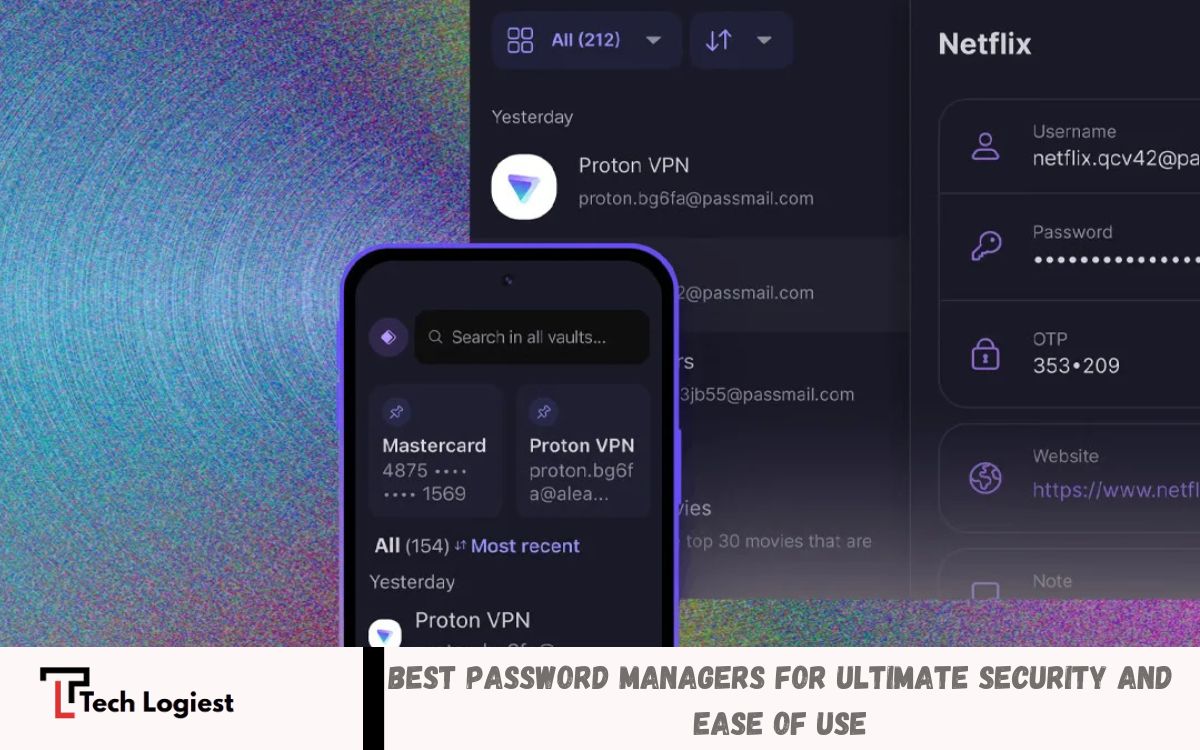
Keeping your online accounts secure is more important than ever. With the growing number of websites, apps, and services requiring passwords, it’s nearly impossible to remember strong, unique passwords for each account. This is where password managers come in.
Top-tier password managers offer features like cross-device syncing, secure password sharing, and encrypted storage for sensitive information such as credit card details and personal notes. They can also alert you if your passwords have been compromised in data breaches, allowing you to update them immediately.
What is a Password Manager?
A password manager is software that stores passwords in an encrypted database. Users only need to remember one master password. The tool generates strong, unique passwords for every account, reducing the chance of hacking. Modern password managers also store sensitive data like credit card information, secure notes, and login credentials, making digital life easier and safer.
Why You Need a Password Manager
Cybercrime is increasing at an alarming rate. Weak or repeated passwords make accounts vulnerable. Best Password Managers solve this problem by:
- Generating complex passwords that are difficult to hack.
- Storing credentials securely using high-level encryption.
- Alerting users if passwords are exposed in data breaches.
- Syncing passwords across multiple devices for convenience.
Using a password manager saves time and enhances security. Professionals, students, and families all benefit from having a reliable system to manage passwords without stress.
Key Features of Best Password Managers
When selecting a password manager, users should look for the following features:
- Strong Encryption – Ensures all data is protected from unauthorized access.
- Cross-Device Syncing – Allows access from smartphones, tablets, and computers.
- Password Generation – Automatically creates complex passwords for each account.
- Data Breach Alerts – Notifies users if their passwords are compromised.
- Secure Sharing – Lets trusted individuals access specific passwords without exposing others.
- Multi-Factor Authentication (MFA) – Adds an extra security layer for sensitive accounts.
Read Also: Future of Artificial Intelligence
Top Best Password Managers in 2026
Here are the most trusted and widely recommended password managers for security and convenience:
1. LastPass
LastPass is a reliable password manager offering strong encryption, password generation, and secure storage. It features cross-device sync, making it ideal for both personal and business use. Users benefit from data breach alerts and secure sharing. LastPass has a free tier and premium options for enhanced security.
2. 1Password
1Password is popular for its user-friendly interface and strong security features. It supports biometric login, cross-platform sync, and secure password vaults. 1Password also offers a travel mode that hides sensitive data while traveling.
3. Dashlane
Dashlane stands out with its dark web monitoring and VPN integration. It automatically changes weak passwords and provides secure storage for personal and business credentials. Dashlane’s user-friendly dashboard makes managing passwords simple and intuitive.
4. Bitwarden
Bitwarden is an open-source password manager favored by tech-savvy users. It offers end-to-end encryption, cross-platform support, and customizable security options. Bitwarden’s transparency and community-driven updates make it one of the safest choices available.
5. Keeper
Keeper provides strong encryption, biometric login, and secure file storage. Its security audit feature helps users identify weak passwords. Keeper is ideal for families and teams due to its secure sharing and access control features.
How to Choose the Best Password Manager
Selecting the right password manager depends on individual needs. Consider:
- Ease of Use – A simple interface ensures you use it consistently.
- Device Compatibility – Ensure it supports all devices you use.
- Security Features – MFA, encryption, and breach monitoring are essential.
- Cost – Free versions may be sufficient for basic needs, while premium plans offer advanced features.
- Support – Reliable customer support helps resolve issues quickly.
Benefits of Using Password Managers
- Enhanced Security – Strong passwords reduce the risk of hacking.
- Time-Saving – No need to remember multiple passwords.
- Data Protection – Sensitive information like credit cards and secure notes remain encrypted.
- Convenience – Auto-fill passwords across websites and apps.
- Peace of Mind – Alerts for breached accounts allow quick action.
Common Misconceptions
Many users avoid password managers thinking they are complicated or risky. In reality, top-rated tools are designed for simplicity and security. Encryption ensures even the provider cannot access your stored passwords. Using a password manager is safer than reusing passwords or storing them in browsers.
Tips for Using Password Managers Effectively
- Create a Strong Master Password – This is the key to securing all other passwords.
- Enable Multi-Factor Authentication – Adds an extra layer of protection.
- Regularly Update Passwords – Replace weak or outdated passwords.
- Use Secure Backup Options – Ensure password data is backed up safely.
- Monitor Account Alerts – Respond quickly to any breach notifications.
Frequently Asked Questions
Can I access my passwords on multiple devices?
Yes. Most password managers support cross-device syncing, allowing access on smartphones, tablets, and computers.
Do password managers generate passwords automatically?
Yes. Top password managers create complex and unique passwords for every account, which reduces the risk of hacking.
Can password managers alert me if my accounts are breached?
Yes. Many premium password managers monitor the dark web and alert users if their credentials are compromised.
Are there free password managers?
Yes. Tools like Bitwarden and LastPass offer free versions. Premium plans provide advanced features such as secure sharing and breach monitoring.
How do I choose the best password manager?
Consider ease of use, device compatibility, encryption strength, multi-factor authentication, cost, and customer support.
Can I share passwords securely with family or team members?
Yes. Most password managers allow secure sharing without exposing other passwords. This is ideal for families and workplaces.
What happens if I forget my master password?
Some password managers offer recovery options, but many require the master password to access your vault. It’s essential to remember it or use a secure backup method.
Conclusion
Best Password Managers are indispensable tools for online security. They simplify password management while providing strong protection against cyber threats. Whether for personal use, professional work, or family security, investing in a trusted password manager improves convenience and safeguards digital life. Choosing the right tool, using strong master passwords, and enabling multi-factor authentication ensures maximum protection.
With rising cybercrime, relying on memory alone is no longer practical. Best Password Managers provide a secure, convenient, and reliable way to manage credentials, protect sensitive information, and maintain peace of mind in an increasingly digital world.
